Insights Usage Reports allows you to quickly identify every recipe that contains a specific ingredient, allergen, or group of similar foods. To generate a usage report:
Open Advanced Search and enter your search term:
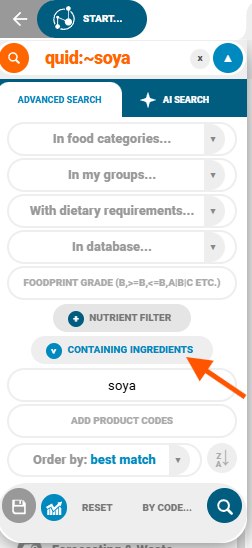
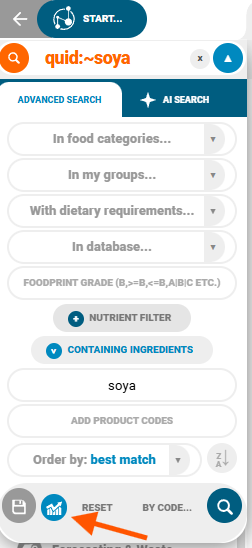
Click the Usage Report button:
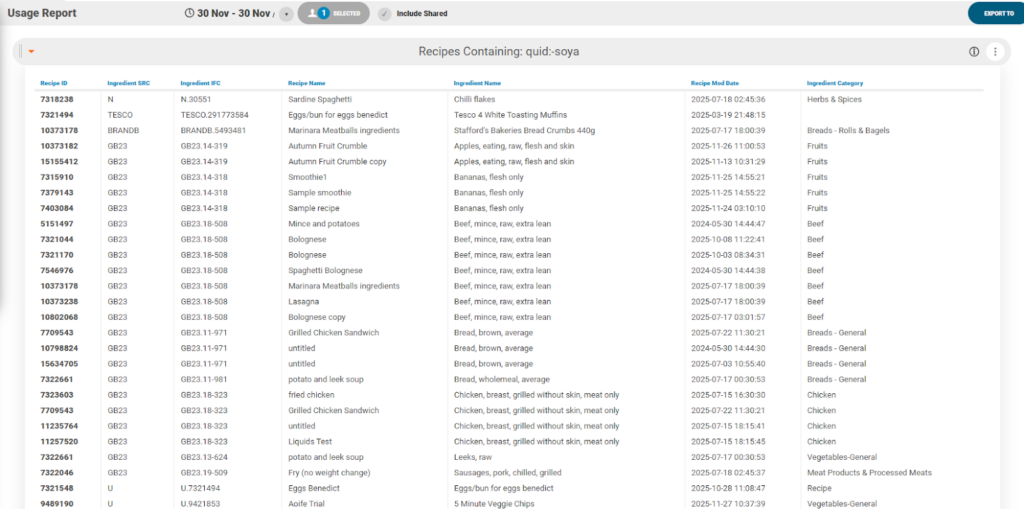
An insights chart showing all recipes that use ingredients matching your search will then open:
Searches can be saved using the save icon to the left of the chart icon:
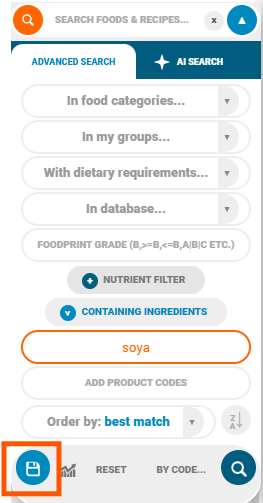
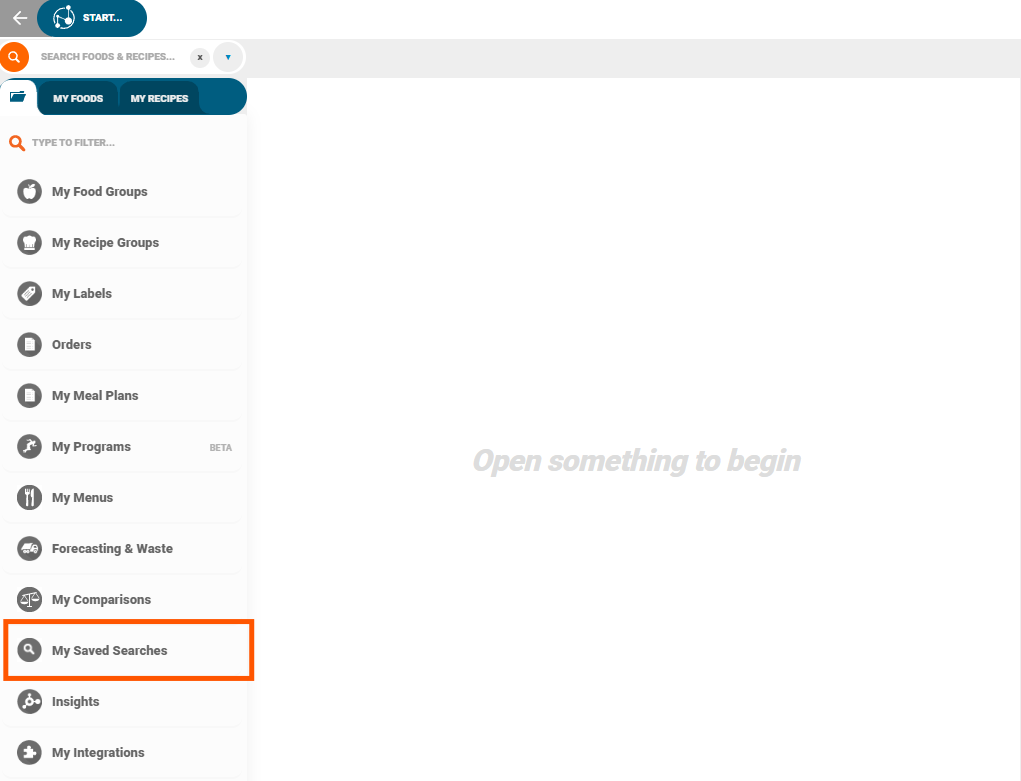
The search will be stored under Saved Searches, accessible from the main homepage.
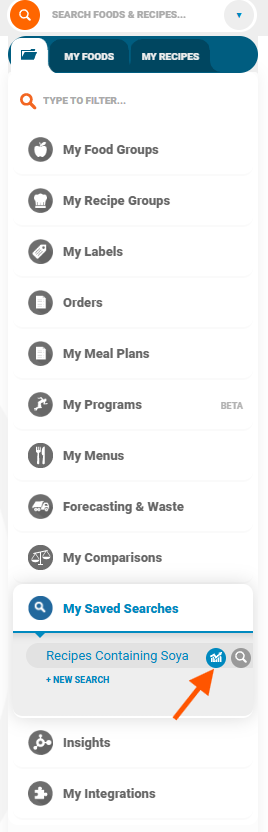
If you previously saved a search, you can generate a report directly from it by clicking on the usage chart icon:
Or by right clicking on the saved search > Usage Report:
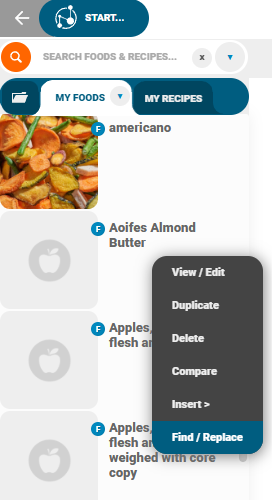
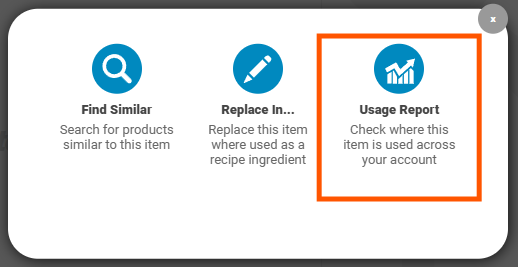
Usage reports can also be used in Like Searches to locate items with similar names or properties. To generate a usage report for this, search for the desired food > right click > Find / Replace:
Usage Report: